File angle
Check a PDF for AI writing
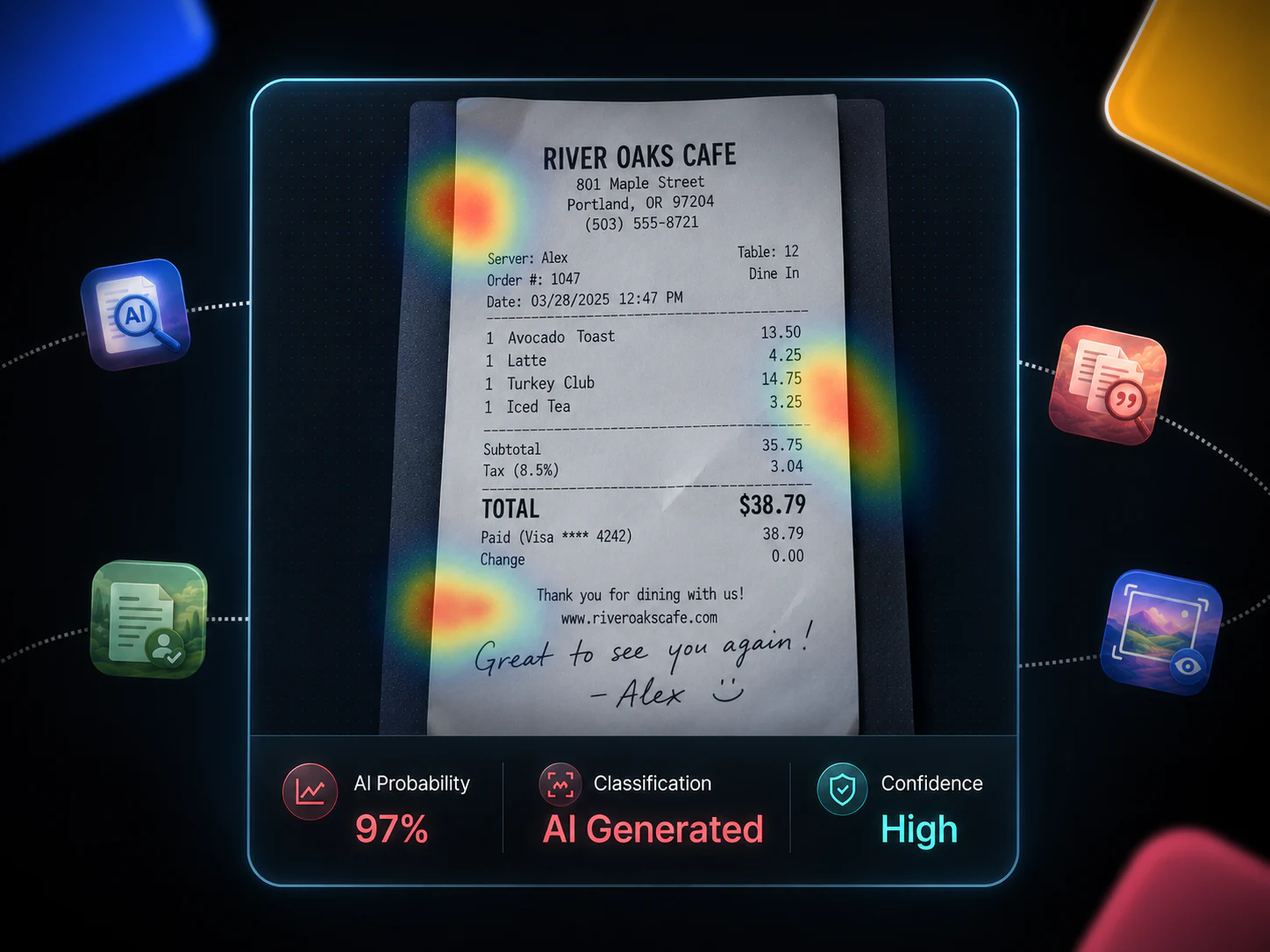
Most "AI in my PDF" questions are really two jobs: get clean text out of the file, then read a detection score with the same discipline you would on pasted prose. The PDF format does not make the score more certain.
Verified 2026-08-05Extract first, then detect
Detectors score language, not page layout. Pull the text with the PDF extractor — including OCR on scanned pages — then run the AI detector on that extract. Headers, footers and form fields that survive as noise can distort a short sample.
Native text PDFs are straightforward. Scans depend on OCR quality. If the extract is garbled, fix extraction before you trust any authorship signal.
What a PDF check can and cannot tell you
You get the same indicator scale as pasted text: sentence-level highlights and an overall reading. You do not get proof that ChatGPT wrote the file, and you do not get a forensic PDF provenance report from this workflow.
For résumés, essays and reports, pair the score with a human read of the flagged spans. Format-specific angles (CV, essay, cover letter) explain the false-positive shapes those documents invite.
File size, plans and privacy
Extraction limits follow your plan — including the 20 MB ceiling on eligible tiers. Treat uploads like any other document you would not want sitting in a training corpus: use the private workspace defaults and delete extracts you no longer need.
If you only need the words and a count before detecting, the standalone PDF-to-text and word-count utilities cover that step without opening the full detector UI.
Questions
- Can I check a PDF for AI-written content?
- Yes. Extract the text first (OCR if the pages are scanned), then run the AI detector on the extract. The score remains an indicator, not proof of authorship.
- Do scanned PDFs work?
- They work when OCR recovers readable text. Poor scans produce poor extracts, and poor extracts produce unreliable scores.
- Is a PDF score more accurate than pasted text?
- No. Once the text is clean, the engine is the same. The PDF path only changes how you obtain the words.